See it in action
A closer look at the app
Every screen, right on your phone.
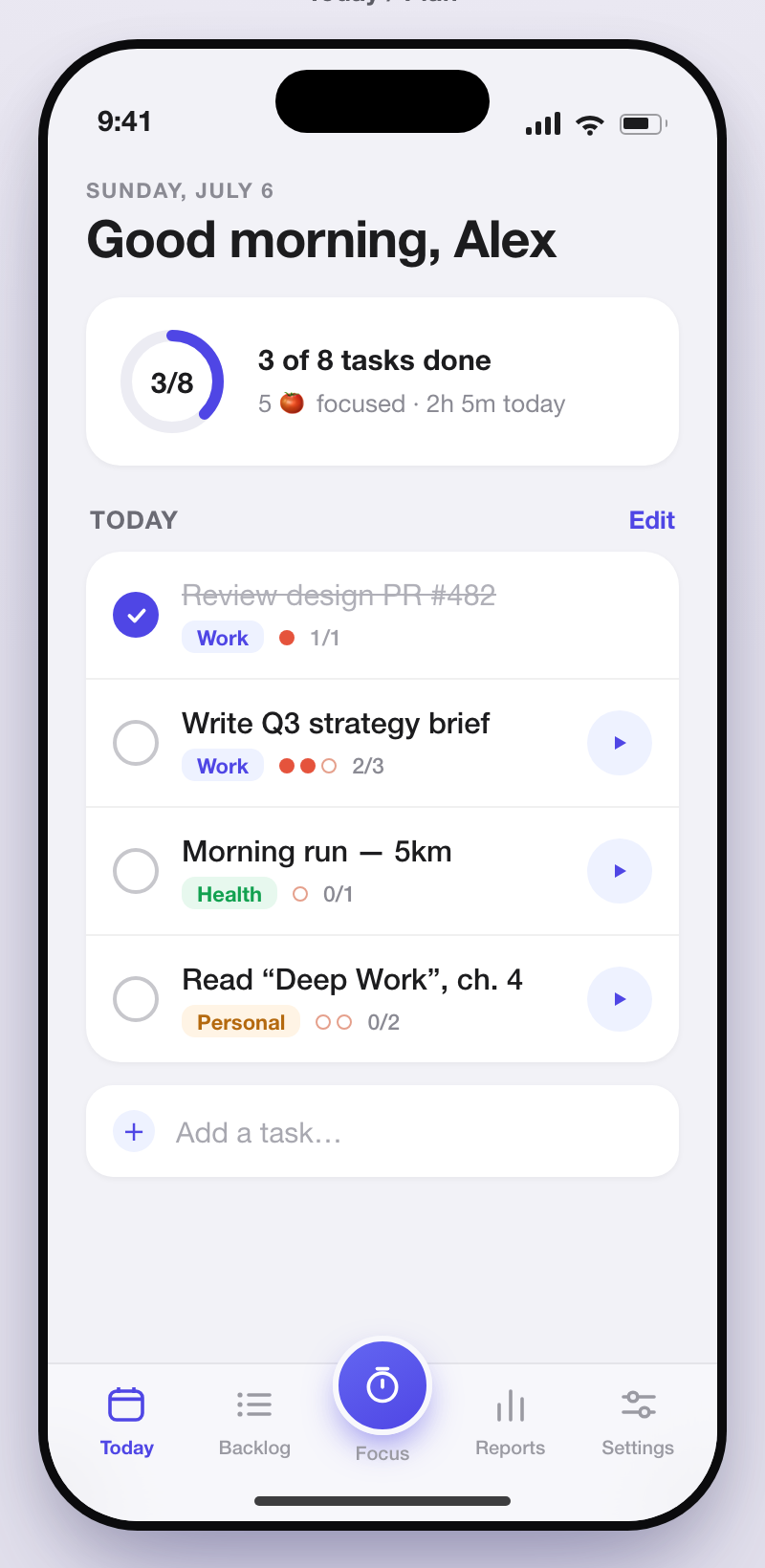
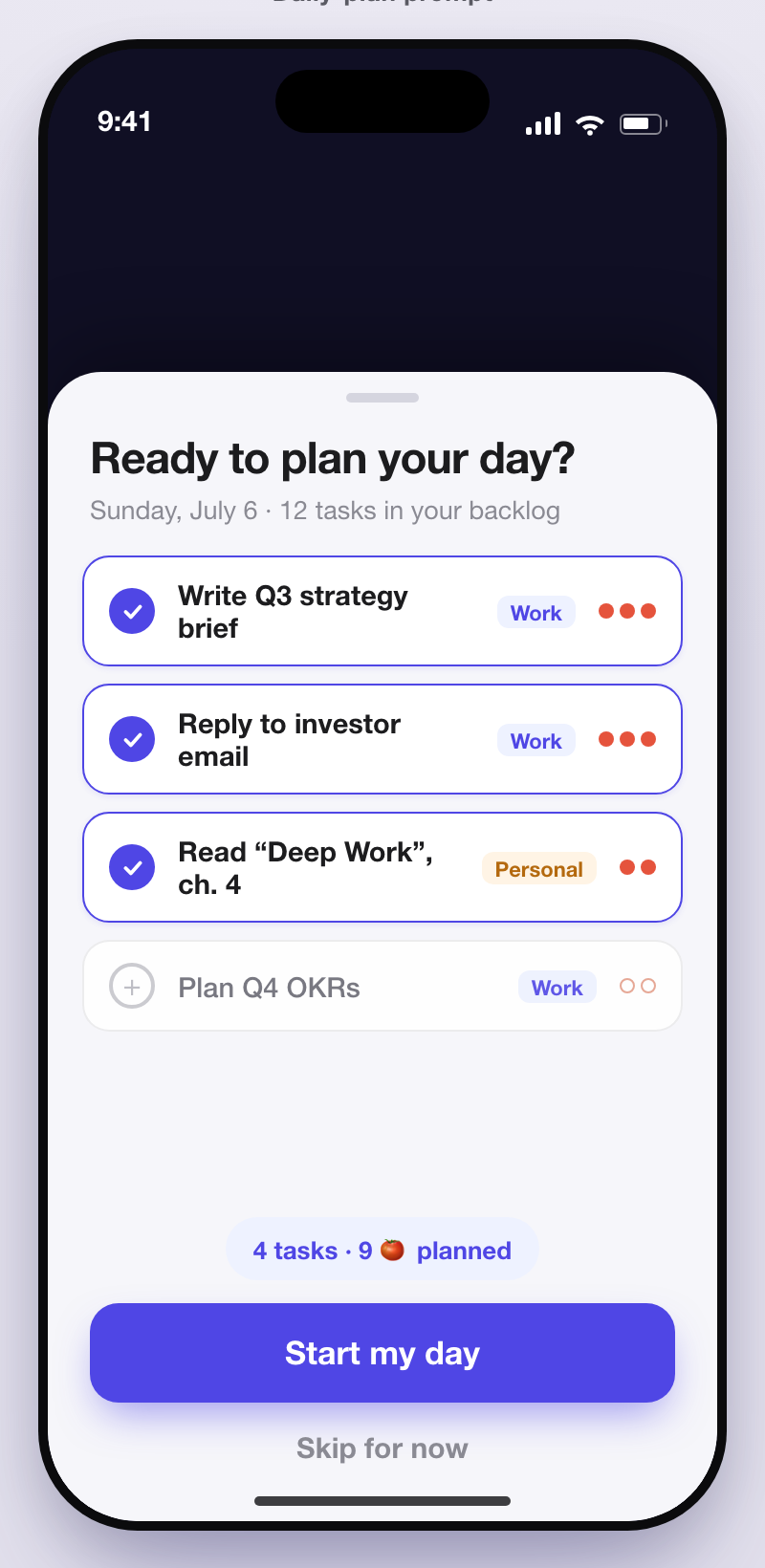
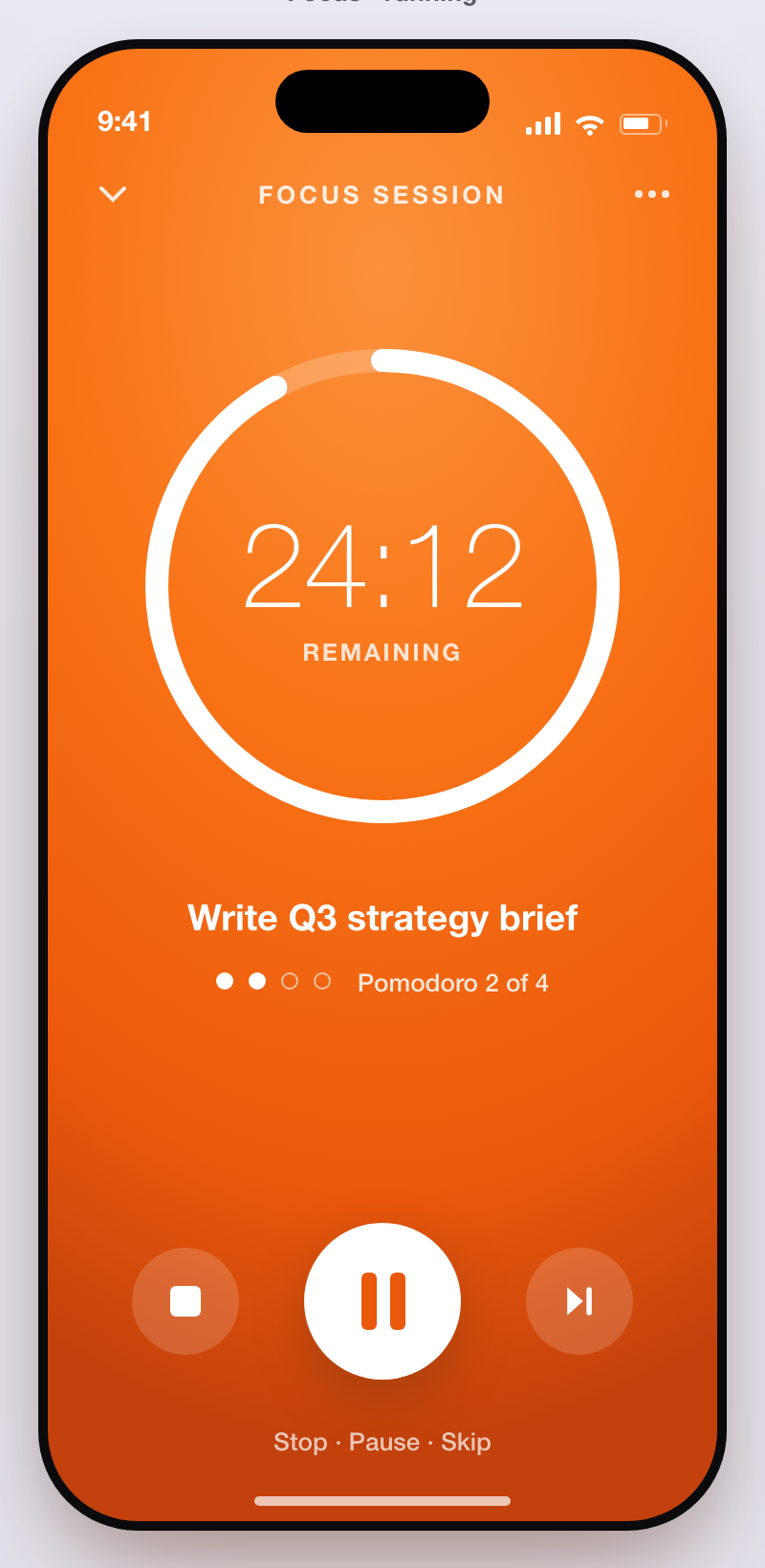
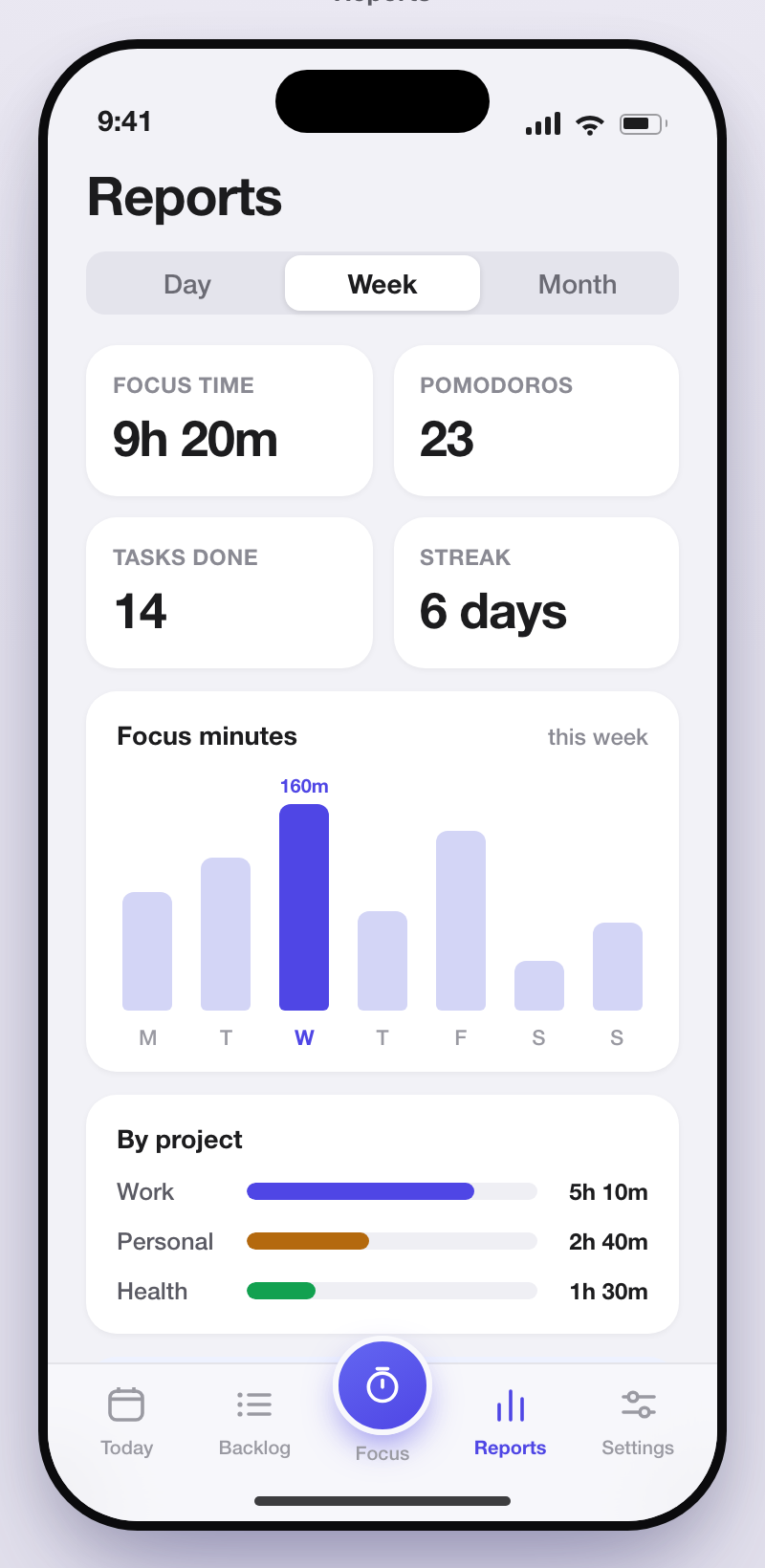
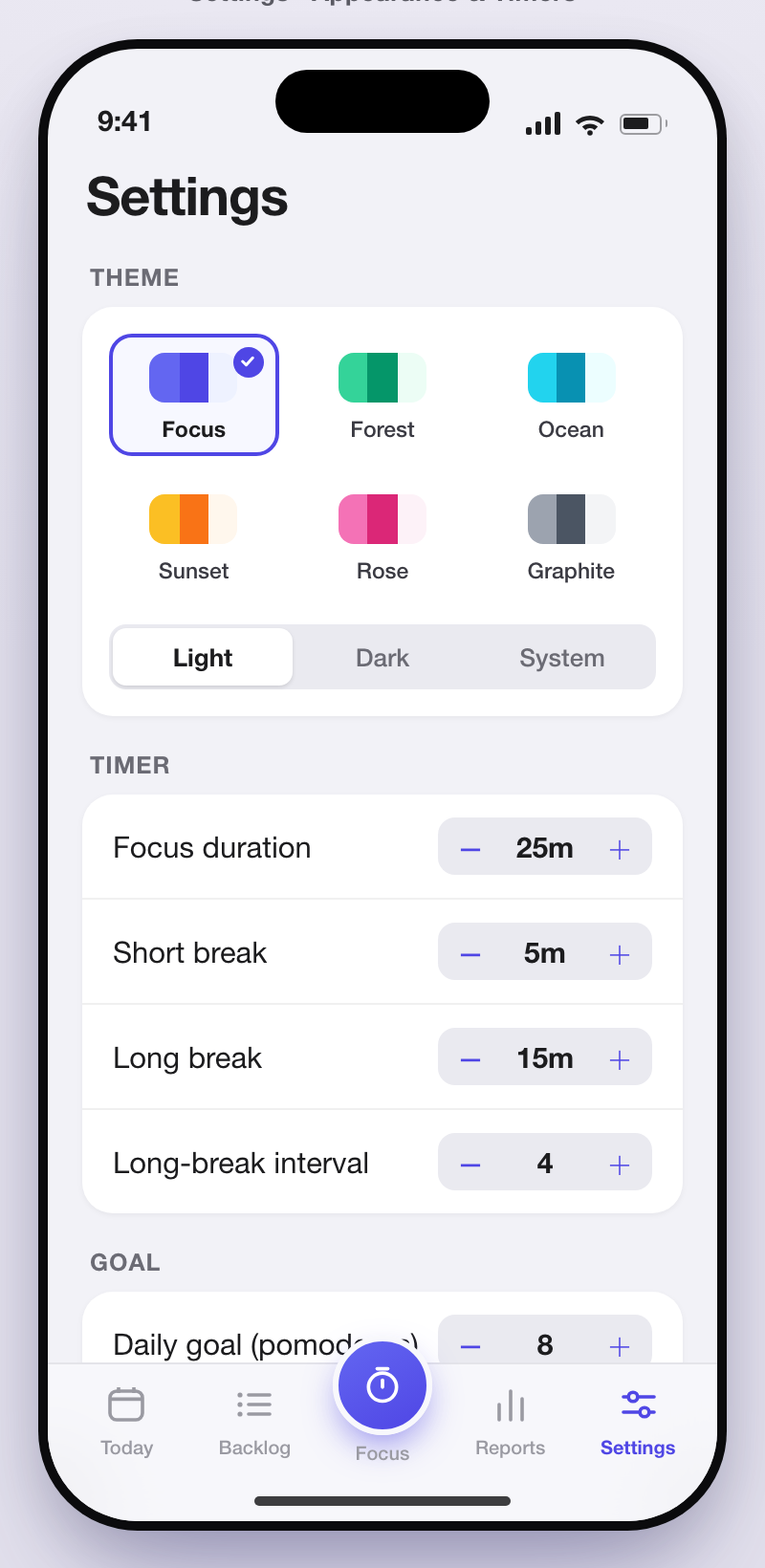
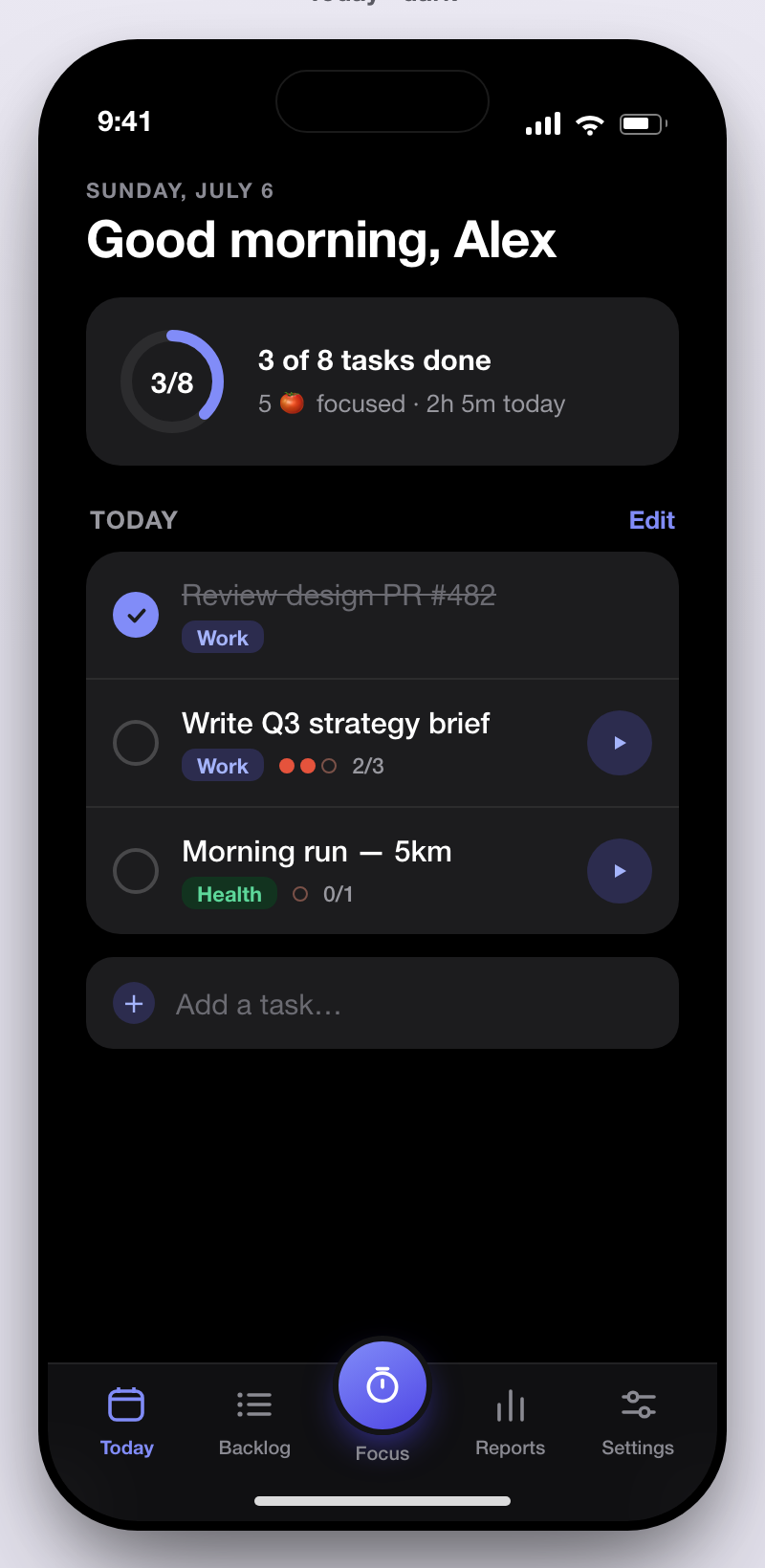
Deepday helps you plan your day, focus in Pomodoros, and review your effort. Your tasks and progress stay on your device — no account, no servers of ours, no noise.
No account. No tracking. Nothing on our servers.
What it does
Three tabs, zero friction. Built for people who want to do meaningful work without a productivity dashboard.
Pull tasks from your backlog into a focused Today list. Set intentions in the morning and adjust as the day shifts.
Start a timed focus session on any task. The timer, breaks, and daily goal keep you in rhythm without the pressure.
See completed tasks, pomodoros, and trends across the week. A simple report that shows where your time went.
Capture everything that is not for today. Tag, prioritize, and promote tasks when you are ready to focus on them.
Choose a theme, tune focus duration, break length, and daily pomodoro goal. Light, dark, or system — you decide.
Your task list, pomodoro history, and settings are stored as JSON on your device. Optional Dropbox sync keeps it in your hands.
How it works
Open Today, pull a few tasks from your backlog, or add new ones. Set a realistic list and start the day with clarity.
Pick a task and start a Pomodoro. The timer keeps you on one thing until it is time for a short break or a long reset.
Check what you finished, how many pomodoros you logged, and carry lessons into tomorrow — no overengineering.
See it in action
Every screen, right on your phone.
Deepday stores your tasks, pomodoro history, and settings as JSON locally on your device. We do not run a server that holds your data, and we never ask for an account.
If you want to share data across devices, you can connect your own Dropbox. The backup file lives in your Dropbox — not on our infrastructure.
Questions, feedback, or something not working right? Email us — we read every message ourselves and reply personally.
deepday@neumeral.comNo account. No servers of ours. Just your loop.